
Play Florida Vacations
The Best of Florida
Endless Play. Timeless Vacations

South Florida
South Florida is a fantastic destination for family vacations, offering a perfect mix of natural beauty, cultural experiences, and kid-friendly attractions. Families can enjoy stunning beaches with calm waters ideal for swimming and building sandcastles, like those in Fort Lauderdale and Miami. Outdoor adventures abound, from exploring the Everglades on an airboat tour to snorkeling in Biscayne National Park. South Florida is also home to unique wildlife encounters at places like Zoo Miami and Butterfly World. For entertainment, vibrant neighborhoods, aquariums, and museums cater to all ages. With warm weather year-round, it’s an inviting destination for unforgettable family adventures.

Central Florida
Central Florida is a dream destination for family vacations, offering something for everyone. Known as the theme park capital of the world, it’s home to Walt Disney World, Universal Studios, and LEGOLAND—iconic attractions that captivate kids and adults alike. Beyond the parks, families can explore natural wonders like Wekiwa Springs, perfect for kayaking, swimming, and picnics. The region also boasts kid-friendly museums, interactive science centers, and animal encounters at places like Gatorland. With its blend of thrilling adventures, outdoor activities, and year-round sunshine, Central Florida provides countless opportunities to create magical, fun-filled memories for the whole family.
North Florida
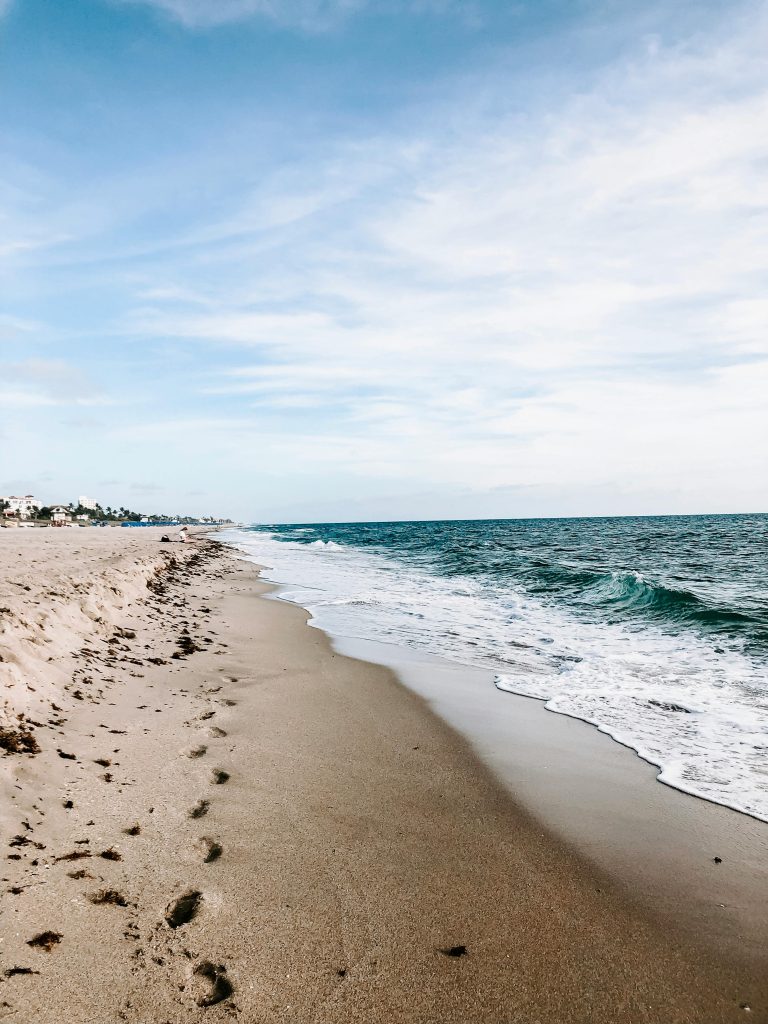
North Florida is a hidden gem for family vacations, offering a mix of natural beauty, history, and outdoor adventure. Families can explore pristine beaches like those on Amelia Island or St. George Island, perfect for swimming, shelling, and relaxing. Nature lovers will enjoy state parks such as Ichetucknee Springs, where tubing and snorkeling are unforgettable experiences. History comes alive in St. Augustine, the nation’s oldest city, with its cobblestone streets, historic forts, and engaging museums. From Jacksonville’s zoo and botanical gardens to the quaint charm of small towns, North Florida offers an affordable, laid-back, and family-friendly escape filled with variety.